Four operations
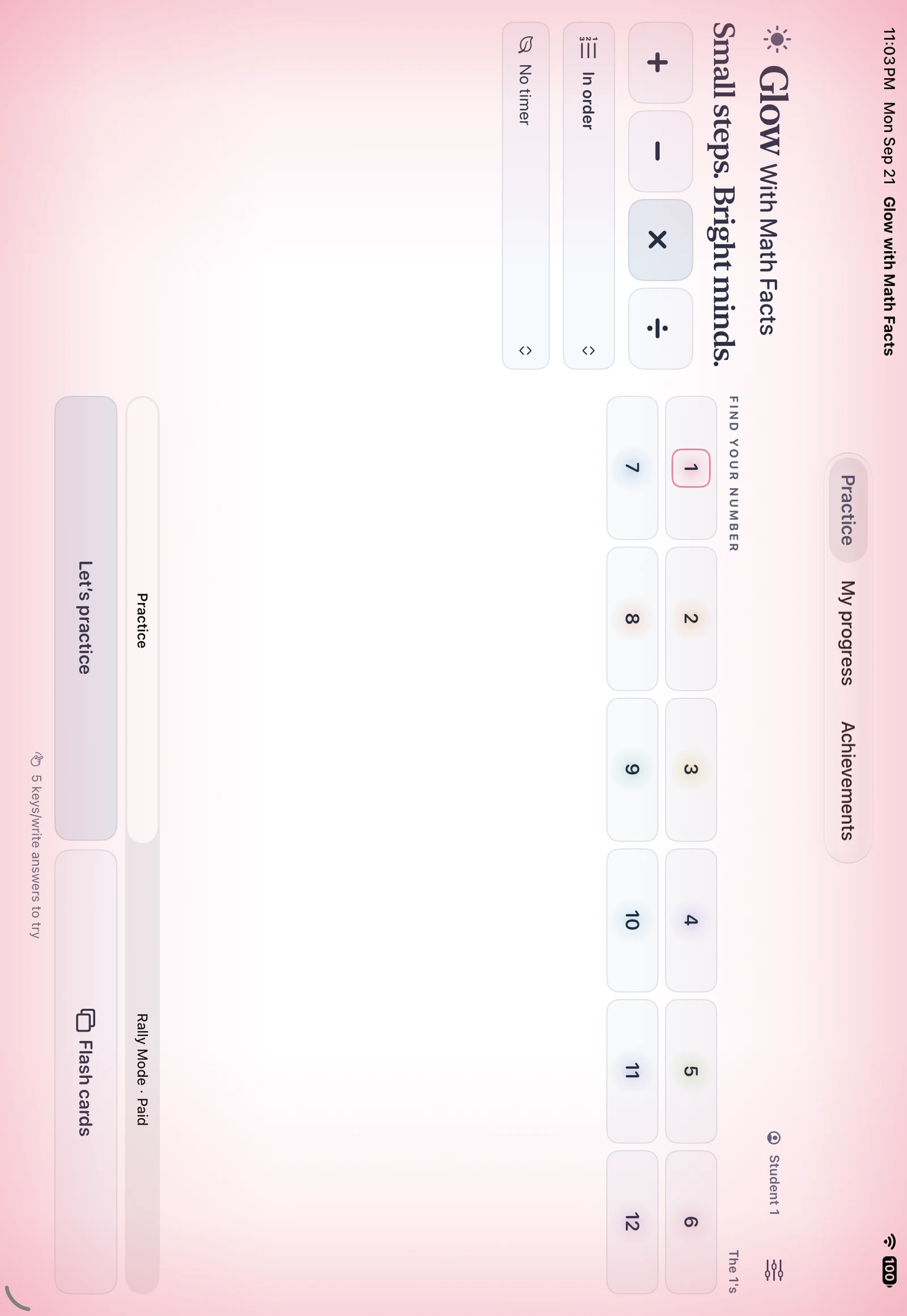
Addition and subtraction through 20. Multiplication and division through the 12s. Choose a number group or mix things up.


Practice addition, subtraction, multiplication and division with consistent color cues, multiple answer methods and individual progress records.
In development · iPhone & iPadPlay Glow Math Facts on a laptop, desktop, or Chromebook with a keyboard, mouse, or touch screen. Subscribe to this app for $14.99 for your first year, then $29.99/year. Or choose Glow Together: all three subjects for $29.99 for your first year, then $59.99/year, with one shared roster of up to 40 students and individual progress. Billed annually; renews automatically. Cancel before renewal.
Web purchases and progress are separate from the iPhone and iPad apps. Browser activities support keyboard and touch controls, with optional read-aloud. Free accounts include three complete sample lessons. A paid adult account opens the full classroom and one shared roster of up to 40 email-free students.
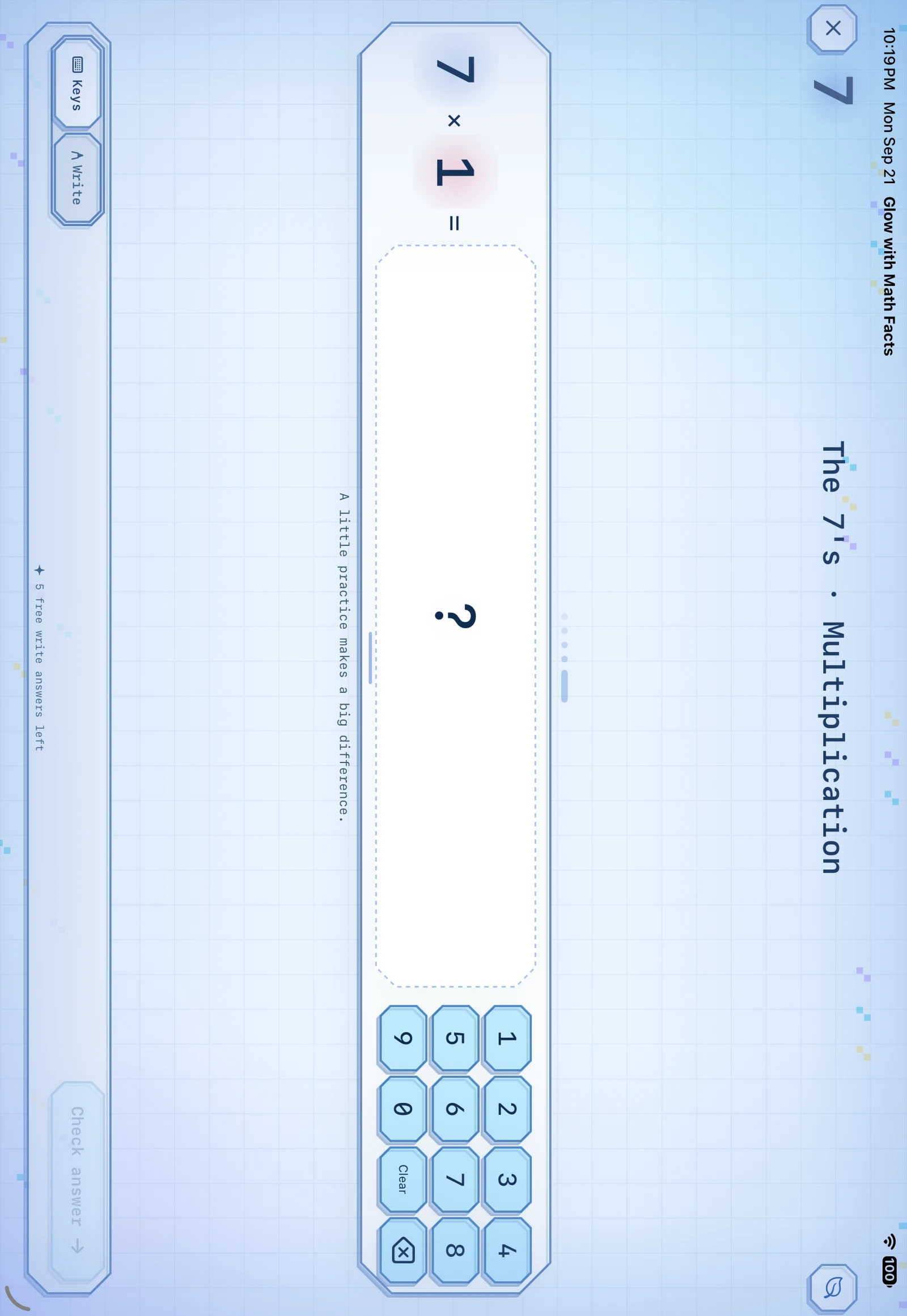
Inside Glow with Math Facts · Actual app screen · Development preview
Addition and subtraction through 20. Multiplication and division through the 12s. Choose a number group or mix things up.
Use the keypad, write an answer by hand, or enable on-device voice answers. Choose the input method that suits the learner.
Practice with glowing flashcards, reveal an answer, and try again. Untimed learning is the default.
Local student profiles keep practice and achievements separate on a shared device. Export progress for a family or teaching conversation.
Five visual themes. Left- and right-handed controls. Portrait and landscape layouts. Gentle feedback, with untimed practice as the default. The iPhone and iPad apps keep student learning on the device and contain no advertising or analytics SDK.
Use flashcards for a quick practice moment, or settle into a focused number group. Children get encouragement in the activity; grown-ups can review progress separately.
National grade 4 math results, with each official source and year, are compiled on Early learning statistics.
Homeschool reading & math resources