Connect screen practice with paper and hands-on learning
Build a simple screen-to-paper routine that keeps the same reading or math goal while giving learners another way to explain and apply it.
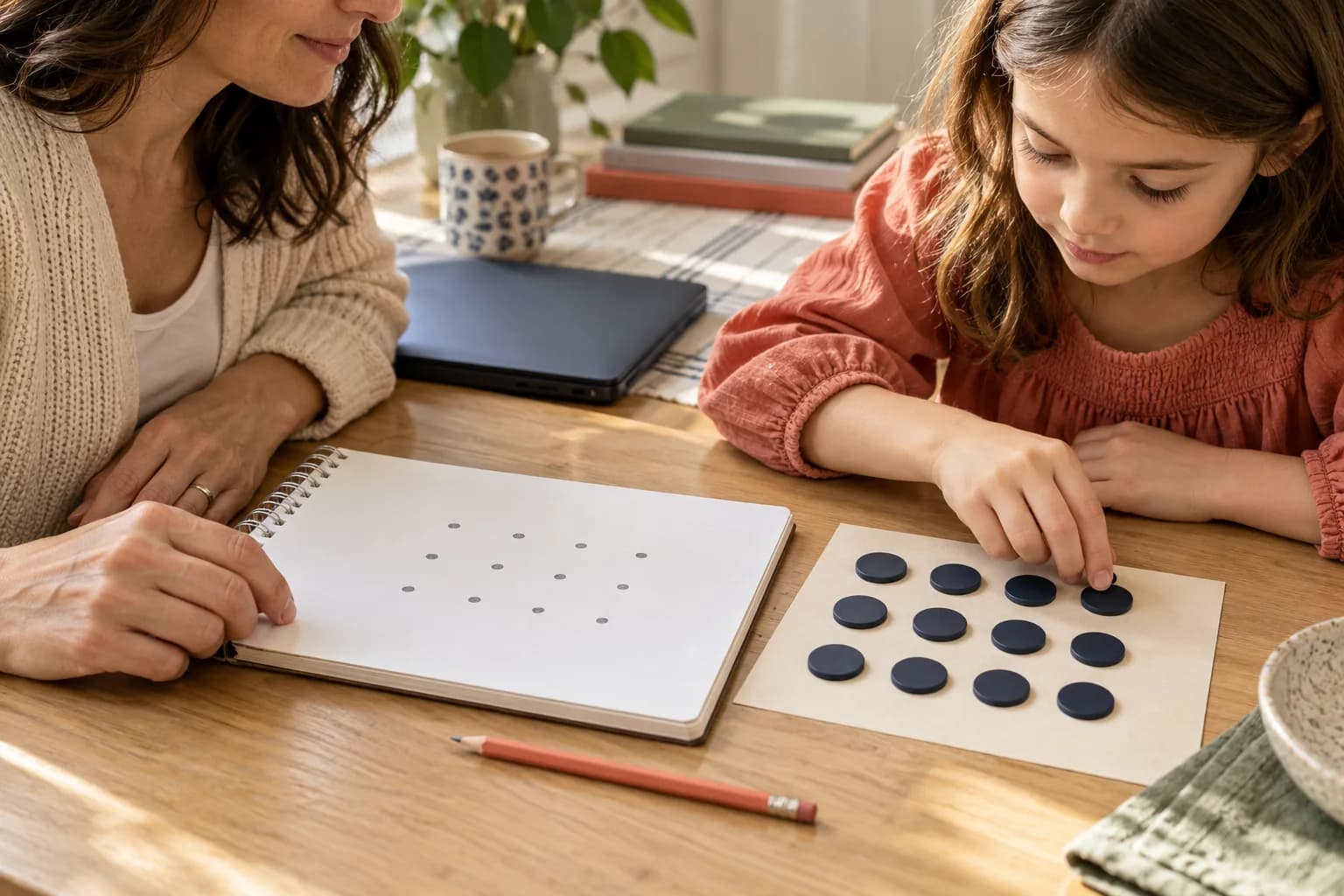
Keep the learning goal stable while changing the medium, and ask the learner to explain the connection.
A screen and a sheet of paper do not need to compete for a place in a lesson. They can offer different ways to work on the same idea. A browser activity may provide a convenient practice sequence; paper or objects can make a learner's explanation easier to see.
The connection matters more than the order. Decide what the child is learning, then choose what each medium will contribute.
Choose one goal for both settings
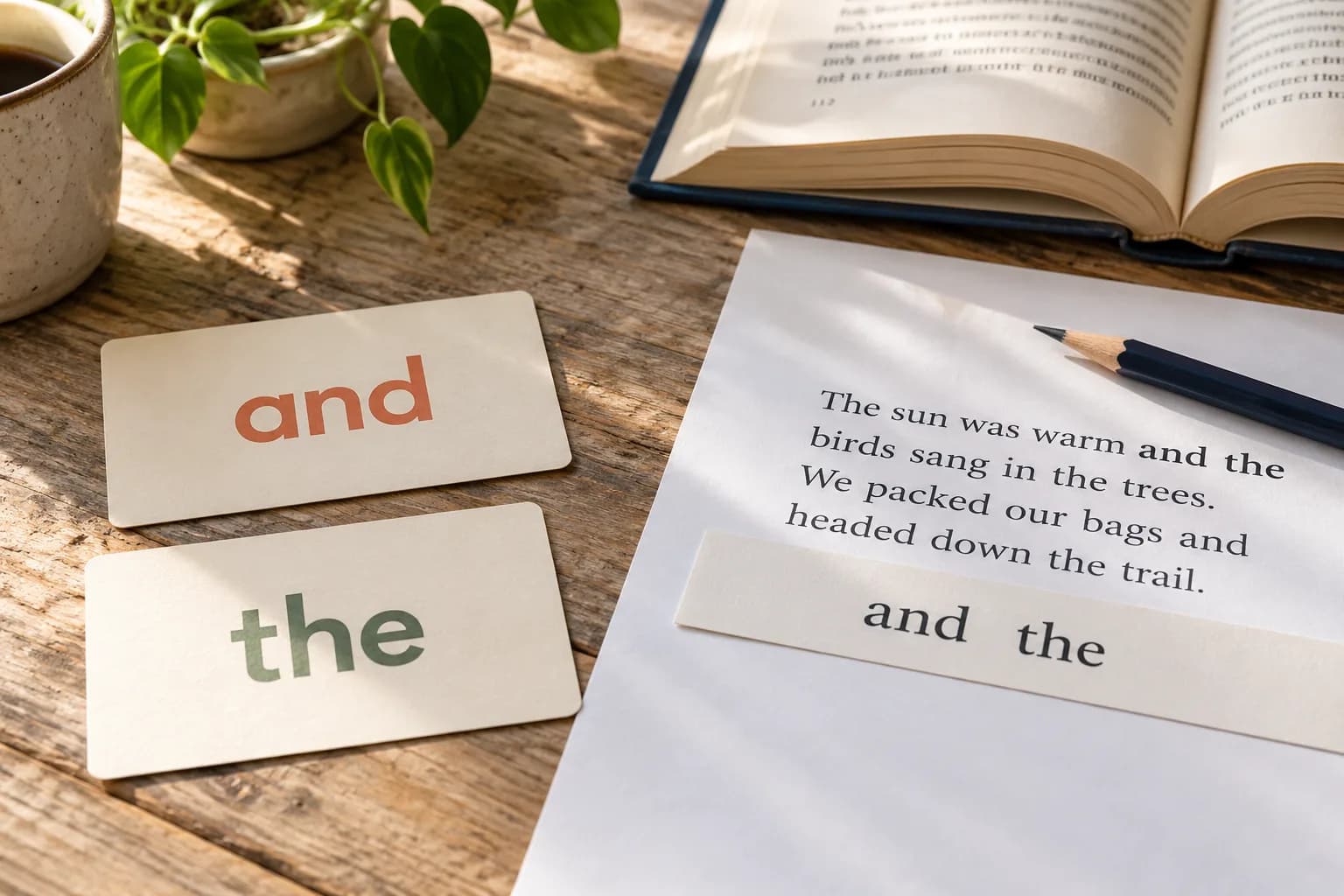
If the focus is making ten, use the same relationship on screen and with a physical ten-frame. If the focus is a taught spelling, connect app word practice to reading and writing that spelling on paper.
Avoid pairing two activities just because both are labeled math or reading. A sorting game followed by an unrelated addition sheet may be enjoyable, but it does not automatically form a focused reinforcement sequence.
Teach or model where it is clearest
For a concept involving movement or grouping, physical objects may be a useful starting point. Let the child build the relationship and describe it before moving to the screen. For a familiar skill, a short browser session may help identify which example deserves closer discussion on paper.
Keep the adult available to explain the task and notice confusion. Completion alone does not reveal whether the learner understood the model or simply found a successful sequence of taps.
Ask for a bridge
After changing medium, ask, “How is this like what we just did?” For math, invite a drawing that matches the screen's model. For reading, ask the child to build a practiced word and read it in a new sentence.
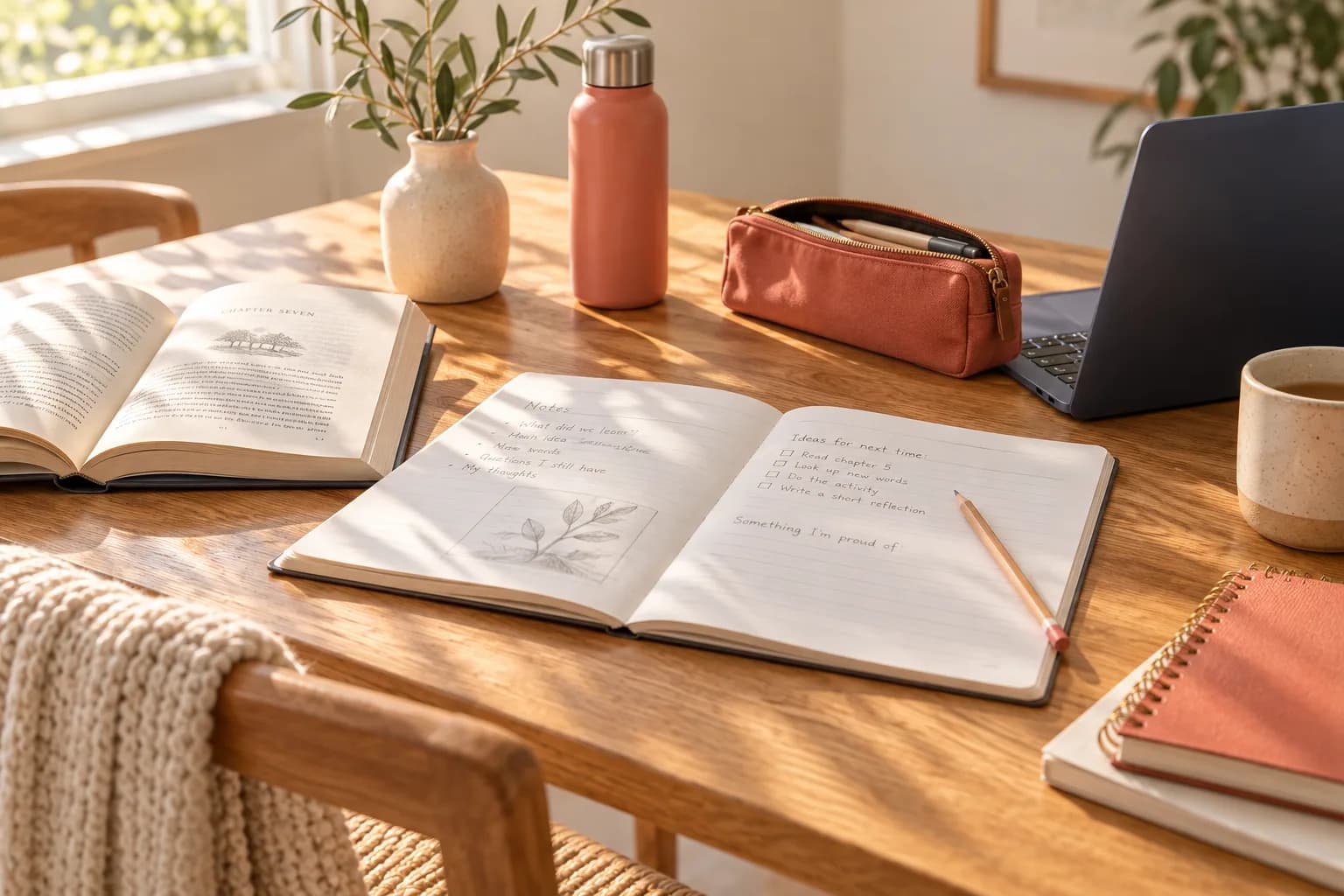
Listen to the explanation rather than demanding identical artwork. A simple drawing can show a relationship clearly. If the learner cannot connect the two settings, return to the shared goal and model the bridge explicitly.
Finish with a fresh use
Offer an example that is comparable but not a copy of the one just completed. Let the child attempt it before prompting, then provide feedback. Revisit later if the skill needs another encounter.
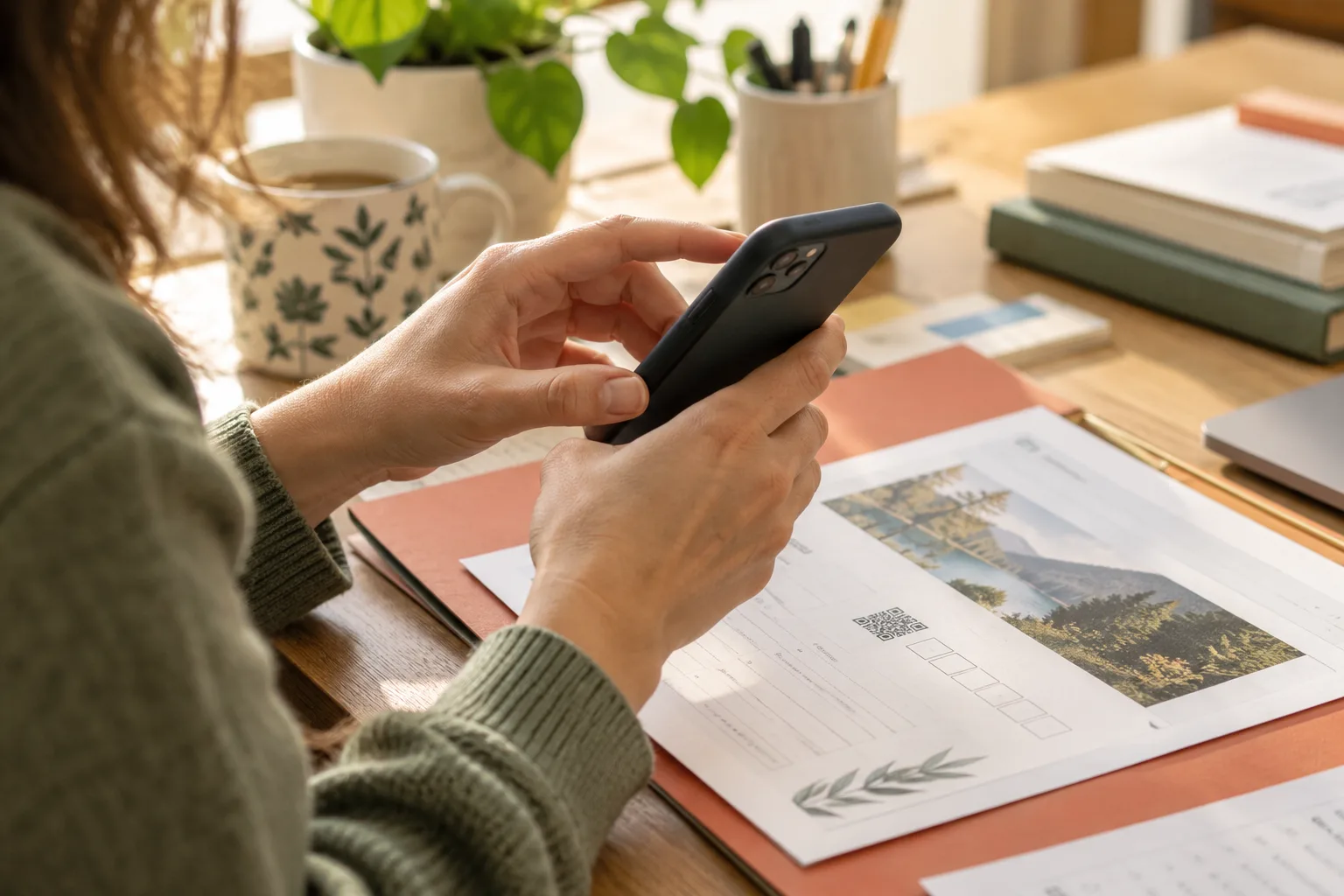
M.I.R.E.R. codes and QR-linked printables can help connect an approved reinforcement activity to the signed-in browser workflow. The paper still has a teaching purpose of its own. Choose the sequence because it makes the concept clearer, and let the learner's response guide whether the next session needs more modeling, more independent practice, or a different explanation.
Sources & further reading
Research background and Glow’s approach, alongside the original activity ideas in this guide.